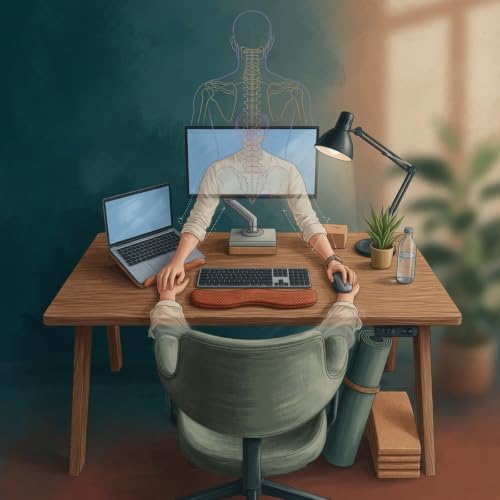
In this episode of Workplace Ergonomics at Home, Zara shares practical ways to ease neck pain, wrist strain, and back discomfort while working from kitchen tables, couches, or other makeshift setups. Learn quick adjustments using items you already own, such as books for screen height, cushions for chair depth, and timers for movement breaks. Discover how aligning your monitor at eye level, keeping wrists straight, and positioning lighting to reduce glare can prevent long-term issues during hybrid schedules. The episode emphasizes starting small, tracking changes over sessions, and building consistent habits that fit irregular freelance hours or meeting-filled days.
Key takeaways:
- Raise your laptop with books or boxes so the screen top aligns with eye level, then pair it with an external keyboard for 90-degree elbows.
- Adjust chair depth with cushions to ensure full thigh support without knee pressure.
- Set 30-minute timers for shoulder rolls and short walks to boost circulation.
- Minimize screen glare by angling lights and testing positions after each tweak.
These steps help remote workers create supportive spaces without big purchases. 📩 Have questions or want to share your experience? Reach out at . Support the show: https://www.spreaker.com/podca...
📩 Have questions or want to share your experience? Reach out at prettyscumbag.nick@gmail.com.
💛 Join Our Supporters Club ($3 a month) 💛 Ad-free listening + early episodes — help keep independent media alive. Click Here: https://www.spreaker.com/podca...
Show More
Show Less


 5 mins